One lead-to-CRM connection
One inbound channel connected to one CRM, across up to two systems with supported access.

We connect one lead source to your CRM, assign the right owner, and create a follow-up task. Your team reviews incomplete details and uncertain matches.
From $3,500 USDOne-time project. Software and usage billed separately.
30 minutes with the co-founders. Check fit, tools and the next scoping step.
A new inquiry arrives, but someone still has to copy the details into the CRM, check for an existing account, and decide who follows up. A connected handoff turns those repeated steps into one tested routine and keeps the exceptions visible to your team.
You already receive leads through a form, inbox, or another inbound channel.
Someone manually enters leads in the CRM and assigns the next action.
You have ownership rules and a person who can resolve incomplete or ambiguous records.
From $3,500 USD
One-time project. Final scope and price agreed in writing.
Give incoming leads a CRM record, an owner, and a follow-up task without rebuilding the same handoff by hand.
Book a free scoping call ↗30 minutes with the co-founders to check fit, tools and the next scoping step. No obligation to proceed.
All prices are in USD. Third-party software, API usage, hosting and any telephony charges are separate. Support is optional; its coverage and limits are agreed separately. New workflows need a new scope.
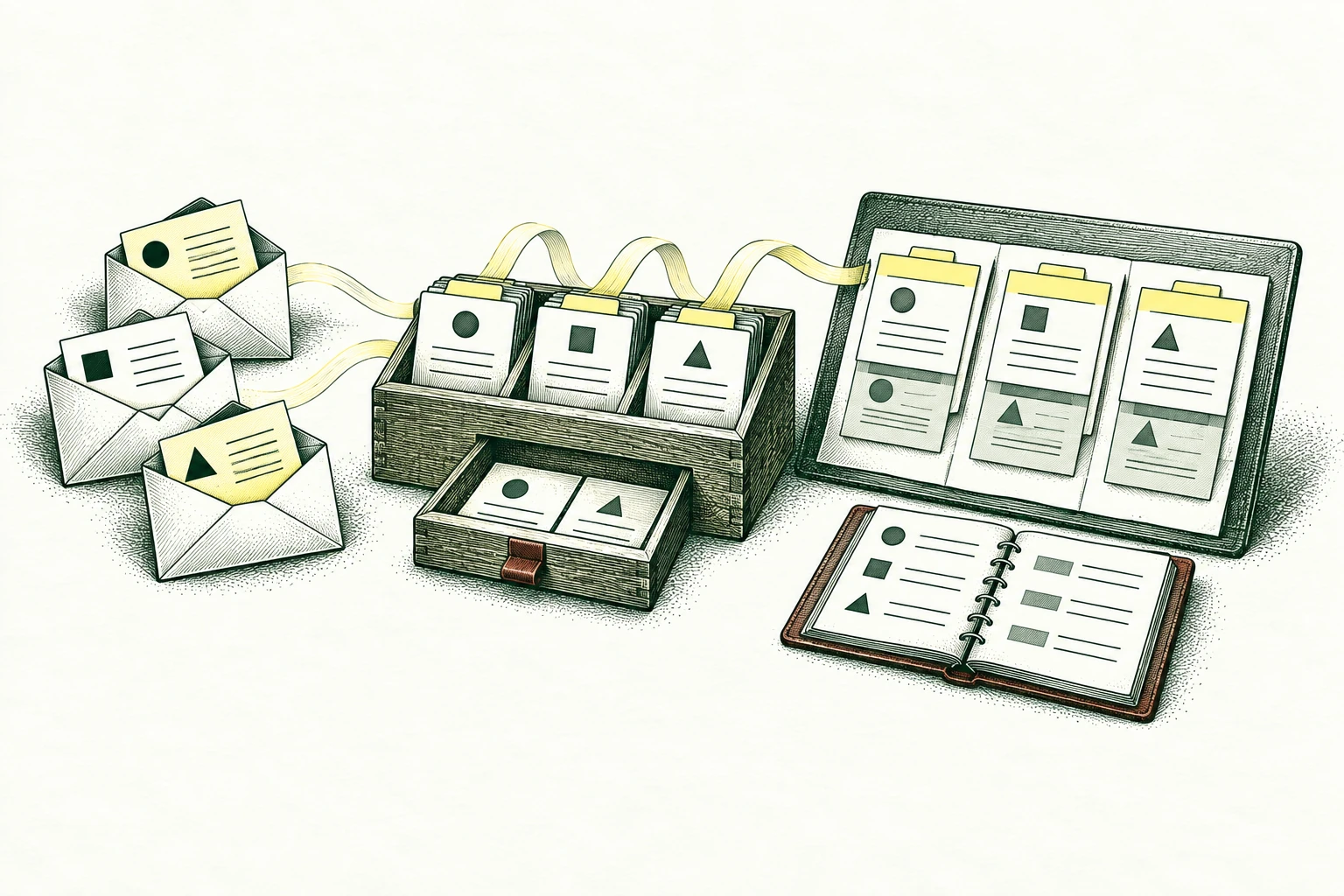
One inbound channel connected to one CRM, across up to two systems with supported access.
Agreed field mapping, duplicate checks, ownership rules, and a task for the responsible salesperson.
Checks for missing information, uncertain matches, and failed updates, plus operating instructions and an owner handoff.
Bring one task and your current tools. We’ll discuss the first step in a free 30-minute call.
A new inquiry arrives from a company that may already have an account owner.
Compare the supplied details with existing records and apply the agreed ownership rules.
Prepare the assignment, a concise inquiry brief, and a task for missing information.
The sales owner resolves an ambiguous account match and confirms the next commercial step.
Check existing account ownership and give each inquiry a traceable next person.
Explore the workflow 02Prepare field corrections and likely duplicate matches for the record owner to review.
Explore the workflow 03Bring approved scope, pricing inputs, and terms into a consistent commercial draft.
Explore the workflowConfirm the source, CRM fields, identifiers, and ownership rules using ordinary and difficult examples.
Build field mapping, duplicate checks, lead assignment, and follow-up task creation. Route uncertain records to a person.
Try new leads, existing accounts, incomplete details, and failed CRM updates. Review results and recovery steps with the owner.
The starter routes incoming leads and creates follow-up tasks. CRM migration, record cleanup, enrichment, outbound messages, meeting notes, and proposal preparation are separate scopes. Merges, reassignment exceptions, and commercial commitments require the agreed review rules.
Security and data questions ↗Lead-to-CRM workflow starts at $3,500 USD for the starter scope shown on this page. We confirm access, scope, exclusions, timing and a written price before work begins. Third-party software and usage charges are separate; ongoing support is optional.
In 30 minutes, we discuss one task, your current tools and the result you need. We check whether the starter fits and what is needed for a written proposal. If paid discovery is needed, we explain its scope and price first. You do not need a prepared brief or a paid assessment to book the call.
We agree a baseline and acceptance checks with the person who owns the work. Sample leads reach the CRM with the expected owner and task; duplicates and incomplete records follow the agreed rules. Where relevant, we also compare manual effort, correction work and operating costs. These checks guide the handoff; they are not a promise of revenue or savings.
We assess your current CRM first. Supported interfaces, permissions, field definitions, and update behavior determine whether the connection fits the starter.
We agree the match and review rules before building. An uncertain match or missing field is flagged for a person; a similar name alone is not enough to merge records.
It creates a follow-up task for the responsible salesperson. Sending messages, adding sequences, or automating outreach needs a separate scope and approval rules.
Yes, those are possible expanded workflows, quoted separately from the one-channel lead-to-CRM starter. We review their inputs and approval steps before including them.
Your operating guide names the owner for CRM fields, routing rules, held records, and failed runs. Optional monitoring and fixes are available under a separate agreement.