A connected workflow
An agreed trigger, field mapping, and integration path for the systems in scope. Deterministic rules handle work that does not need AI.

We connect one repeated workflow across two of your tools, with checked fields, clear routing, and a recovery path when something fails.
From $3,500 USDOne-time project. Software and usage billed separately.
30 minutes with the co-founders. Check fit, tools and the next scoping step.
A process can cross five tools and still depend on someone remembering to copy a field. That is where work disappears, versions diverge, and follow-ups become a second workload. Automating the whole process blindly only makes those problems move faster.
People copy the same information between an inbox, a spreadsheet, and a business system.
Requests wait because their status, next step, or responsible person is unclear.
A repeatable process works for ordinary cases but has no reliable route for exceptions.
From $3,500 USD
One-time project. Final scope and price agreed in writing.
Replace a repeated manual handoff with a working connection between the tools your team already uses.
Book a free scoping call ↗30 minutes with the co-founders to check fit, tools and the next scoping step. No obligation to proceed.
All prices are in USD. Third-party software, API usage, hosting and any telephony charges are separate. Support is optional; its coverage and limits are agreed separately. New workflows need a new scope.
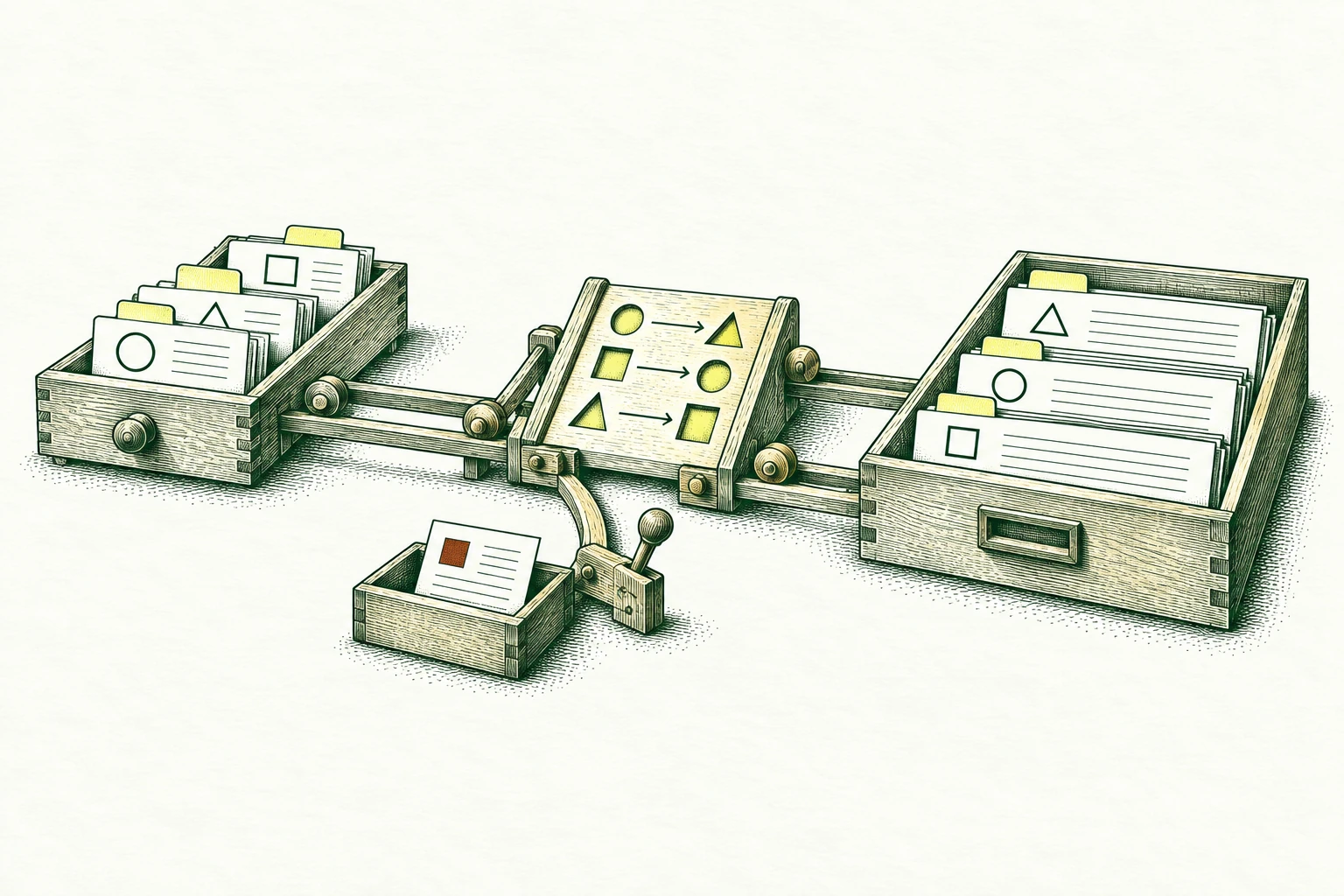
An agreed trigger, field mapping, and integration path for the systems in scope. Deterministic rules handle work that does not need AI.
A review queue with the reason a record stopped, its source, and the person responsible for resolving it.
How to rerun safely, prevent duplicate actions, check failures, and continue manually when a dependency is unavailable.
Bring one task and your current tools. We’ll discuss the first step in a free 30-minute call.
A request arrives in the agreed source tool.
Check required fields and whether the request has already been handled.
Create the task in the destination tool with its assigned owner.
Hold incomplete requests for review and record failed handoffs for recovery.
Bring extracted fields, purchase-order checks, and mismatch notes into one finance handoff.
Explore the workflow 02Collect the required details, apply agreed routing rules, and show who needs to decide next.
Explore the workflow 03Turn incoming inquiries into assigned work, with uncertain matches held for review.
Explore the workflowUse ordinary and awkward examples to identify triggers, missing fields, waiting states, and approvals.
Connect the approved systems, include duplicate protection, and make exceptions visible rather than guessing through them.
Try failures and reruns with the workflow owner. Agree monitoring responsibilities and a fallback before activation.
Payment release, destructive updates, external messages, and other consequential actions need explicit authorization. Legacy systems, access restrictions, and undocumented rules may change the scope; a connector is not assumed to exist.
Security and data questions ↗One connected workflow starts at $3,500 USD for the starter scope shown on this page. We confirm access, scope, exclusions, timing and a written price before work begins. Third-party software and usage charges are separate; ongoing support is optional.
In 30 minutes, we discuss one task, your current tools and the result you need. We check whether the starter fits and what is needed for a written proposal. If paid discovery is needed, we explain its scope and price first. You do not need a prepared brief or a paid assessment to book the call.
We agree a baseline and acceptance checks with the person who owns the work. Agreed sample requests reach the right destination; duplicates and failed runs follow the tested recovery rules. Where relevant, we also compare manual effort, correction work and operating costs. These checks guide the handoff; they are not a promise of revenue or savings.
The service connects intake, field mapping, routing, approvals, and follow-ups across the agreed systems. Deliverables can include the workflow, an exception queue, and operating instructions. Define the start, end, owner, and permitted actions for each scope; a first handoff pilot can establish the approach before additional steps are included.
No. Rules and standard integrations suit structured, predictable steps. AI can be considered where a task needs help with unstructured text or documents. Choose each step around its required behavior, and give uncertain results a review path.
Cost depends on the number of systems and branches, integration access, data cleanup, exception handling, and the actions the workflow will take. Ongoing costs may include hosting, platform subscriptions, and model usage. Identify those separately from the implementation estimate.
The schedule depends on the agreed workflow, access to test systems, and how quickly business rules can be confirmed. Missing interfaces, unstable source data, and approval requirements can change the work. Set the delivery plan after checking those dependencies with the workflow owner.
Assess the current tools first. Available APIs, exports, webhooks, account permissions, and usage limits determine the integration path. A connection is only part of the work: record identifiers, field meanings, retries, and duplicate prevention also need testing with representative data.
Agree an operating owner for failed runs, source changes, access renewal, and manual fallback. The handoff should explain how to inspect a stopped record and rerun safely. Continuing monitoring or support is included only when its scope and responsibilities are agreed.